
























This guide uses the existing greet sample to compare two safe, visible changes: expanding layout with javascript-beautifier and removing unnecessary whitespace with javascript-minifier. The important detail is the trailing space inside "! ". Both results should preserve that literal while changing only code layout.
Start with the Existing Greeting
Use the supplied greet function as the specimen. Its parameter is name, and its return expression joins that value with "! ". The space appears before the closing quote, so inspect the literal itself rather than judging spacing only from the surrounding JavaScript.
Start with the compact form below. To make a separate minifier input, use function greet(name) { return name + "! "; }. Both versions should return the name followed by an exclamation mark and one trailing space. Copy the examples as written so you can compare the differences introduced by each tool.
function greet(name){return name+"! "}Expand the Code for Review
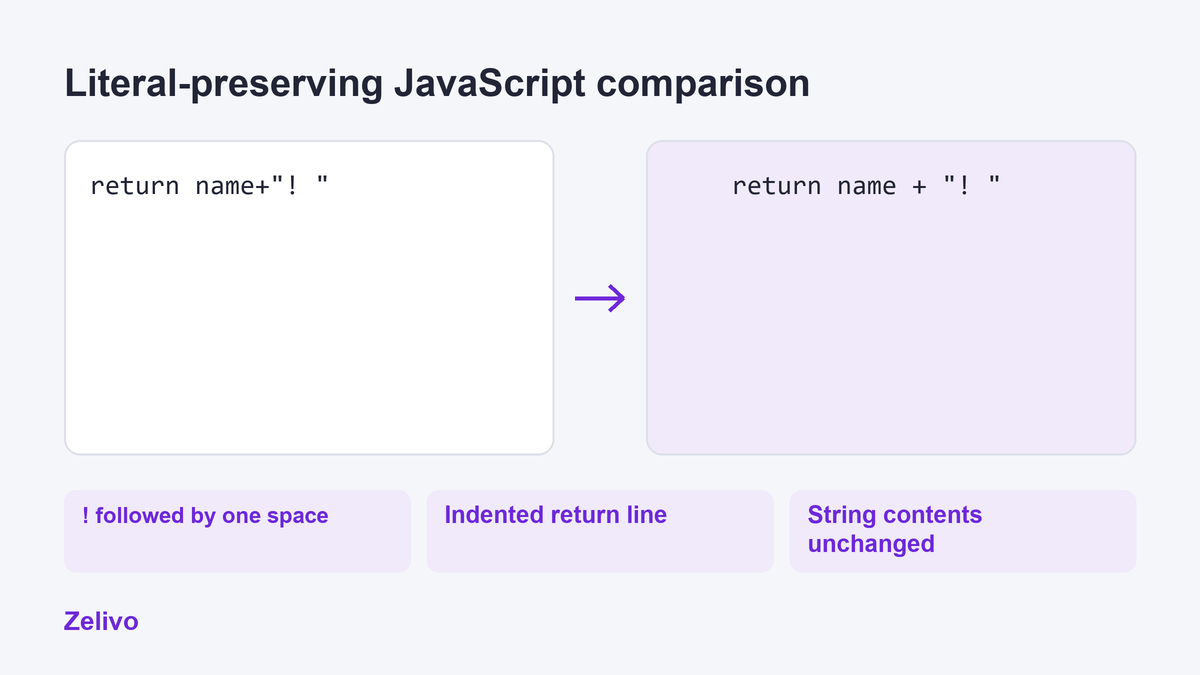
Open javascript-beautifier, copy the compact greet example, and include the space after ! inside the quotes. Run the formatter, then review its line breaks and indentation. The expected result places the opening brace after the function declaration and moves return onto its own indented line.
Compare the formatter output with the source, especially the return line. The expression should remain equivalent, while spaces around + become easier to see. Confirm that the quoted value is still "! ", not "!" and not a string with a changed number of spaces.
function greet(name) {
    return name + "! "
}
Minify the Same Behavior
Next, load javascript-minifier with the spaced function. Note the trailing space inside the quotes before minifying. The expected output removes layout whitespace around the function body and the + operator, but it keeps the string literal unchanged so the returned value has the same visible suffix.
Verify the result by reading function greet(name){return name+"! "}. In particular, check that name+"! " has no extra spaces around +, while the space remains inside the quotes. If you can run the function, test a representative name and inspect the exact returned characters. Testing the sample with greet("Ada") should return "Ada! ", including the final space.
Know the Boundaries Before Reuse
Formatting changes presentation; minifying removes selected whitespace. Neither step proves that an application is correct, and neither replaces project tests. Before replacing application code, run your usual tests and compare behavior in the real build context, including any syntax or tooling requirements your project already enforces.
The supplied caution is practical: use project build tools for production bundles and modern syntax, and test before replacement. Reuse these examples for small comparisons, but do not assume a formatter or minifier understands every project convention, transform, dependency, or runtime expectation.
- Confirm
"! "still contains!followed by one space. - Check the beautifier’s indented
returnline. - Check minified
name+"! "has no spaces around+.
