
























Minify JSON while checking that values stay unchanged
Compare readable and compact JSON, including spaces inside a string and leading-zero identifiers.
Minification removes unnecessary formatting outside JSON values. It should not shorten a product name, turn a quoted identifier into a number or silently repair invalid data. This workflow uses a small fixture whose important values are easy to inspect.
In this guide
Establish the values that must survive
{
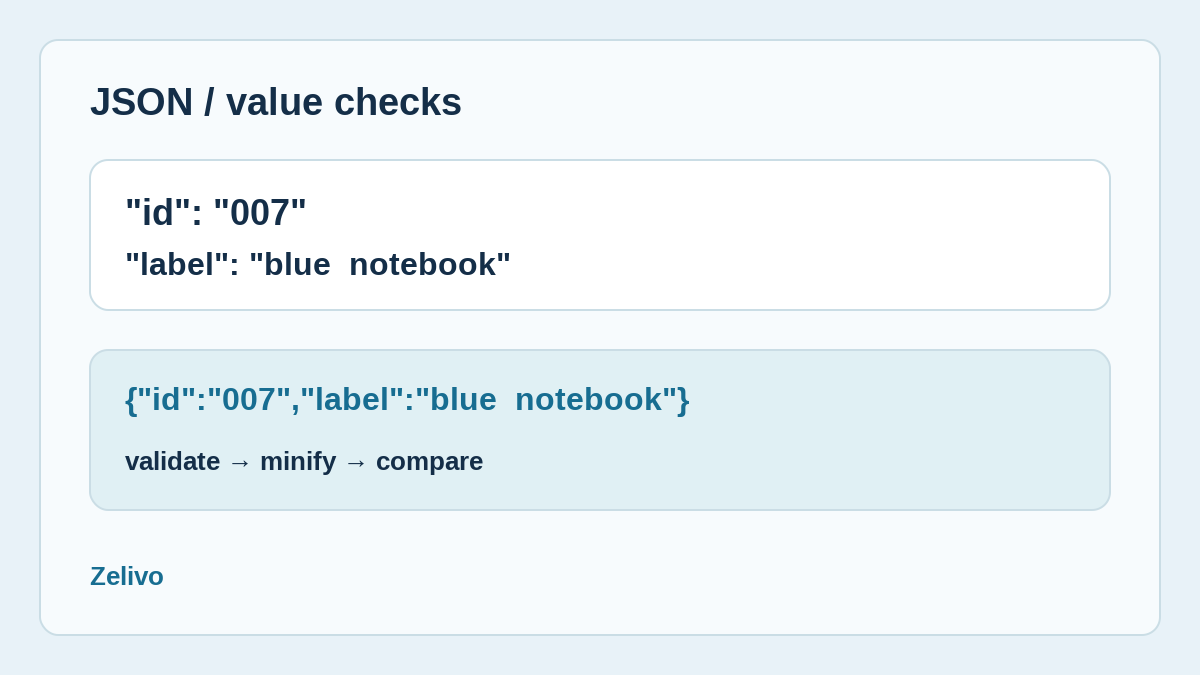
  "id": "007",
  "label": "blue  notebook",
  "active": true,
  "stock": [2, 0],
  "note": null
}
The two spaces inside blue notebook are part of the string. The identifier 007 is also a string, while the stock entries are numbers. Keep these distinctions in the expected result; smaller text is not a reason to change the data.
Validate before removing formatting
Paste the fixture into JSON Validator and check that it is valid. If you see a trailing comma, comment or unquoted property name, correct the source deliberately. Formatting and minification are not substitutes for deciding what an invalid input was supposed to mean.
Minify, then format a copy for comparison
Run the valid fixture through JSON Minify. Copy the output into JSON Formatter to make it easy to inspect again. Compare parsed values rather than only text layout: object property order and optional escape representations can differ without changing the values.
{"id":"007","label":"blue notebook","active":true,"stock":[2,0],"note":null}- Confirm that 007 remains quoted and that the two spaces inside the label remain. Check true, both array entries and the explicit null value.
- Check that the compact result still passes JSON Validator. If an output differs, preserve both versions and identify the first changed value before using it downstream.
Know when a text comparison is insufficient
Very large numbers can lose precision in browser-based JSON workflows. Store identifiers as strings when their exact digits matter, and test representative large values before processing an export. A formatter cannot recover precision that was lost during an earlier parse.
Minification is not compression, encryption or redaction. It makes readable formatting more compact but leaves the values available. Keep the original readable source for review, and publish the compact version only where your receiving system actually requires it.
Try the related tools
Continue with another guide

Zelivo Team
Product Team
We build simple, reliable browser tools that make everyday digital work faster.
Popular Tools
Recent Posts