
























When a page heading must become both readable text and a stable URL segment, treat casing and slug creation as separate jobs. This guide uses one repeatable example: start with “Café Menu & Opening Hours,” verify how uppercase conversion preserves the source, then inspect how slug conversion changes it. The comparison makes every transformation visible before publication.
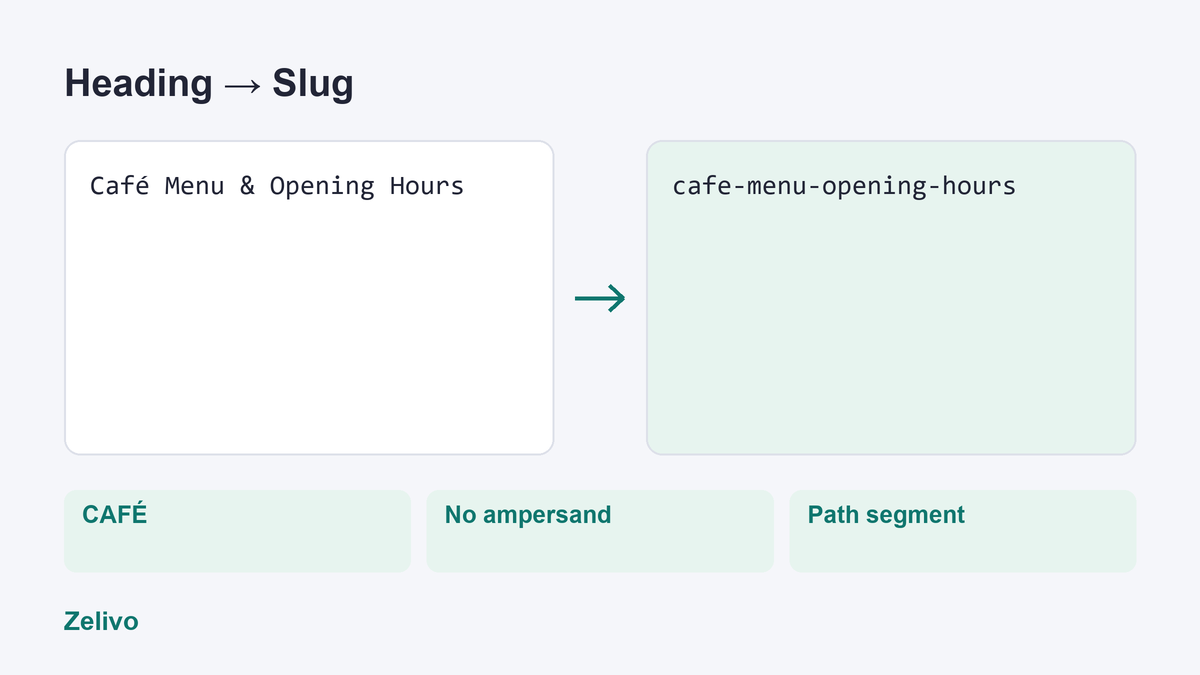
Uppercase the heading and check the accent
Begin with the heading exactly as written: Café Menu & Opening Hours. Paste it into Case Converter and choose uppercase conversion. The purpose here is not to create a title automatically, but to inspect letter-case behavior. Compare the result from left to right with the original, paying attention to the accented é, the ampersand, and every space between words.
Input: Café Menu & Opening Hours
Uppercase output: CAFÉ MENU & OPENING HOURS
The expected uppercase output is CAFÉ MENU & OPENING HOURS. The accent remains visible, and the ampersand and spacing remain present. This is a reproducible verification: paste the same input, choose uppercase, and confirm that letters change case while punctuation and accents stay intact. If any of those details disappear, investigate the copied input or conversion choice before continuing.
Derive the path from the original heading
Next, use the original heading as the input for Text to Slug. This is a different task: produce a path segment rather than display text. Compare each source word with the converted form, then specifically check the accented é and the ampersand. The expected behavior is that the accent and ampersand are removed, letters become lowercase, and word boundaries become hyphens.
Input: Café Menu & Opening Hours
Slug output: cafe-menu-opening-hours
The expected slug is cafe-menu-opening-hours. Reproduce it by submitting the exact sample and checking the output character by character. Café becomes cafe, Menu becomes menu, the ampersand disappears, and Opening Hours becomes opening-hours. This fixture gives you a concrete acceptance test: the final value must be lowercase, accent-free, separated with hyphens, and free of the original punctuation.
Check editorial spelling and URL collisions
Use uppercase as a controlled test, even if you never intend to publish the page heading that way. Automatic title and sentence casing can mishandle acronyms, brand names, or accented letters. Check the spelling against the editorial source. A slug intentionally drops some of those details, so restoring a heading by adding spaces to its slug can lose information.
Keep the editorial heading distinct from the URL path segment: the page may display Café Menu & Opening Hours while its path uses cafe-menu-opening-hours. Before publishing, verify that the slug is not already assigned, including duplicates whose titles differ only by accents. If an established URL must change, arrange a permanent redirect from the old path and update first-party links.
Checks before changing a live path
- Confirm uppercase output: CAFÉ MENU & OPENING HOURS preserves the accent and ampersand.
- Confirm slug output: cafe-menu-opening-hours is lowercase, accent-free, and hyphen-separated.
- Check duplicate paths; if a published URL changes, add a permanent redirect and update first-party links.
